- Item 1
- Item 2
- Item 3
- Item 3.1
- Item 3.2
- Item 1
- Item 2
- Item 3
- Item 3.1
- Item 3.2
Improperly nested ul/ol tags and Markdown conversion
This page was created to test browser compatibility of improperly nested ul and ol tags, i.e. where the nesting happens without a containing li tag. I believe that every browser displays this in exactly the same way by default, that it therefore represents a de-facto standard, and that Markdown converters like Turndown should not alter the semantic meaning conveyed by all browsers since the beginning of time by separating an obviously nested list into two separate lists.
The HTML
<ul>
  <li>Item 1</li>
  <li>Item 2</li>
  <li>Item 3</li>
  <ul>
    <li>Item 3.1</li>
    <li>Item 3.2</li>
  </ul>
</ul>

<ol>
  <li>Item 1</li>
  <li>Item 2</li>
  <li>Item 3</li>
  <ol>
    <li>Item 3.1</li>
    <li>Item 3.2</li>
  </ol>
</ol>
How it is rendered by Turndown
*   Item 1
*   Item 2
*   Item 3

*   Item 3.1
*   Item 3.2

1.  Item 1
2.  Item 2
3.  Item 3

1.  Item 3.1
2.  Item 3.2
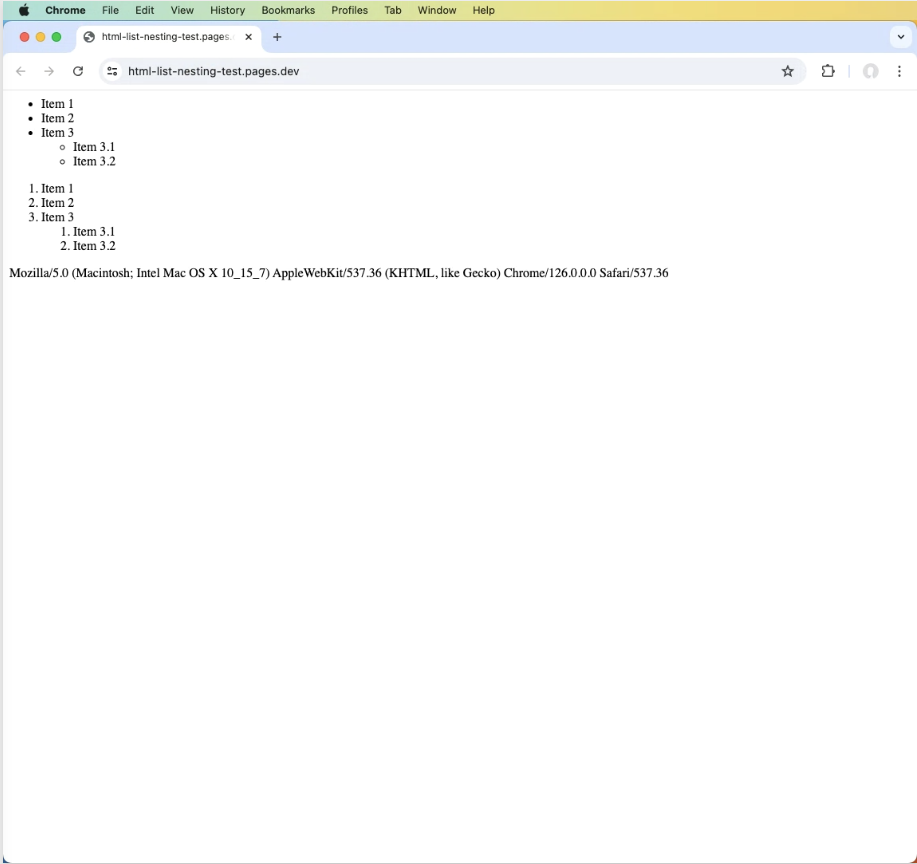
MacOS, Chrome
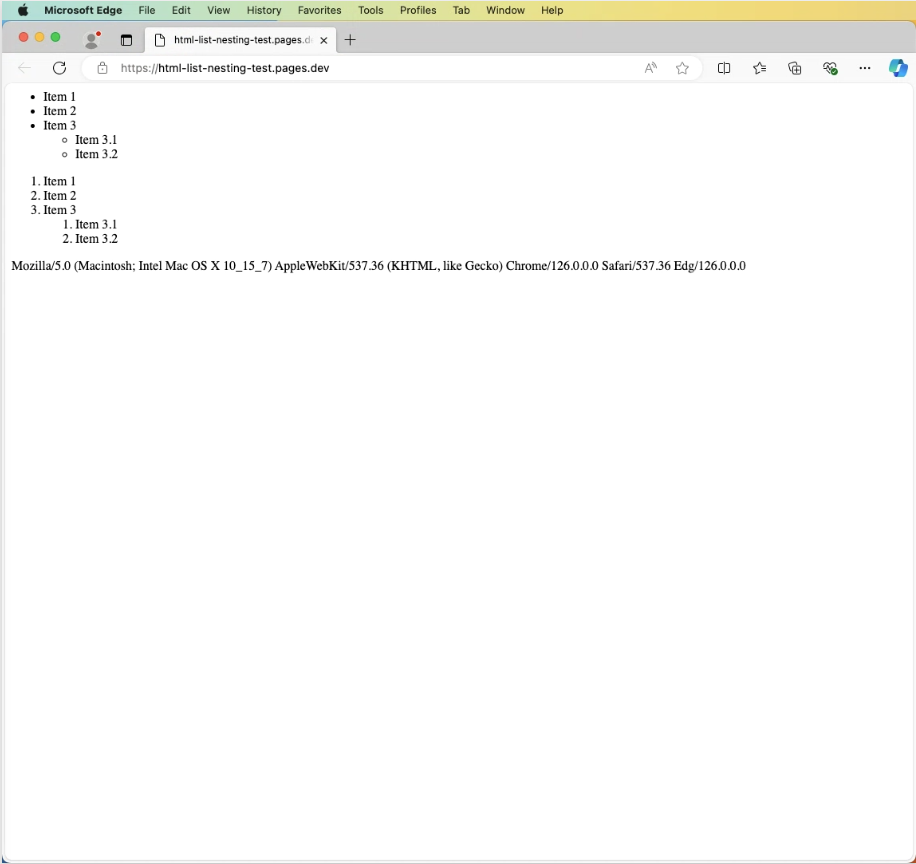
MacOS, Edge
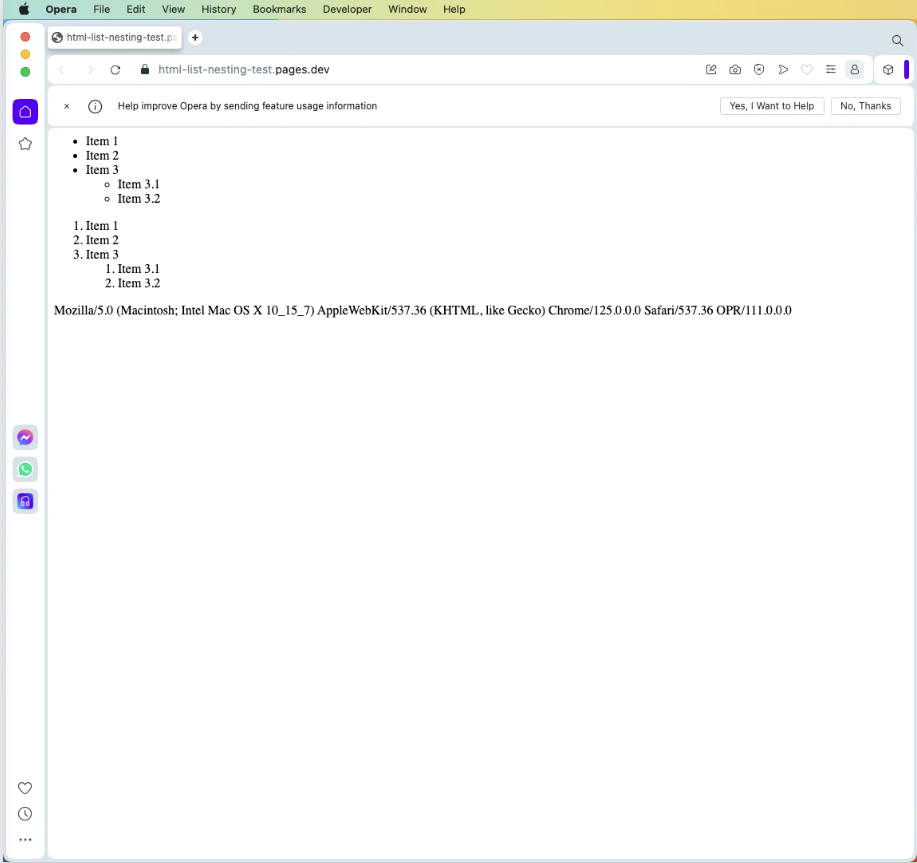
MacOS, Opera
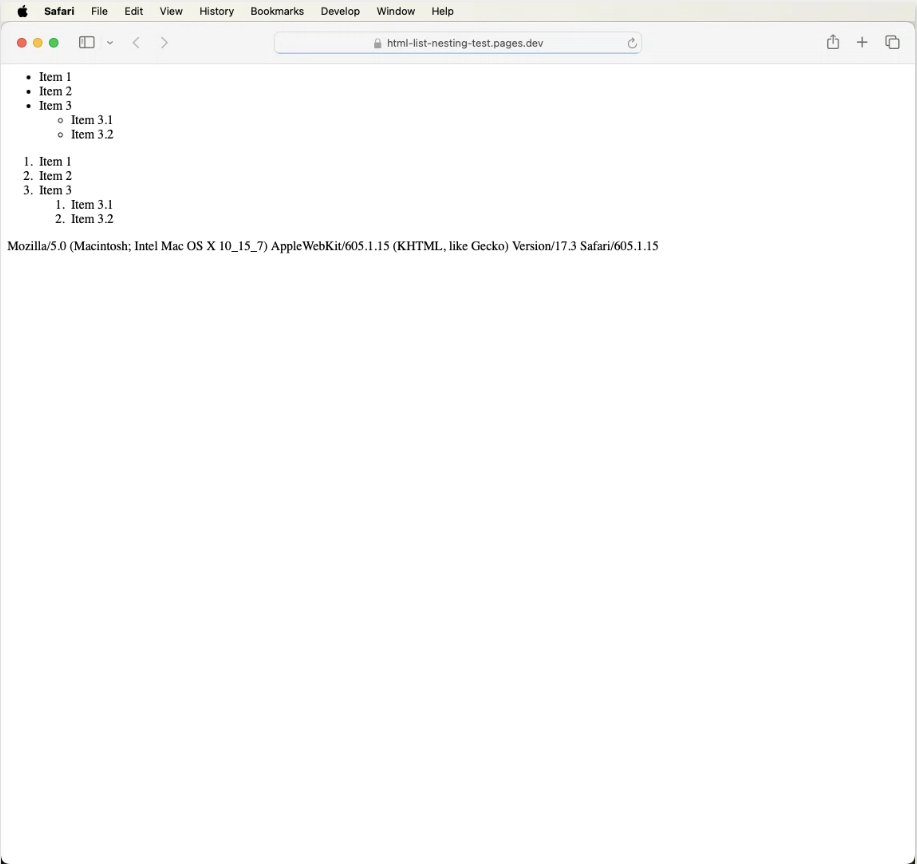
MacOS, Safari
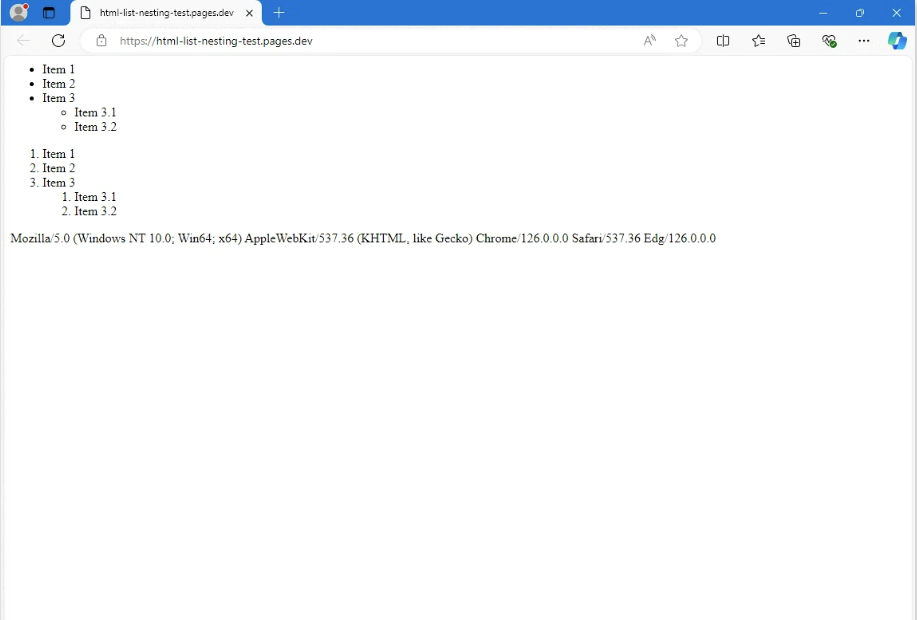
Windows 11, Edge
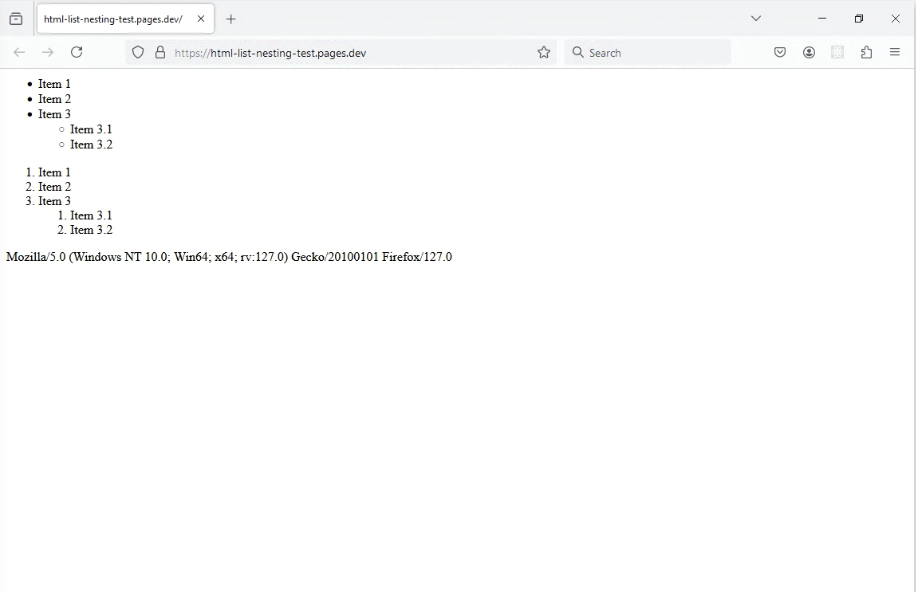
Windows 11, Firefox
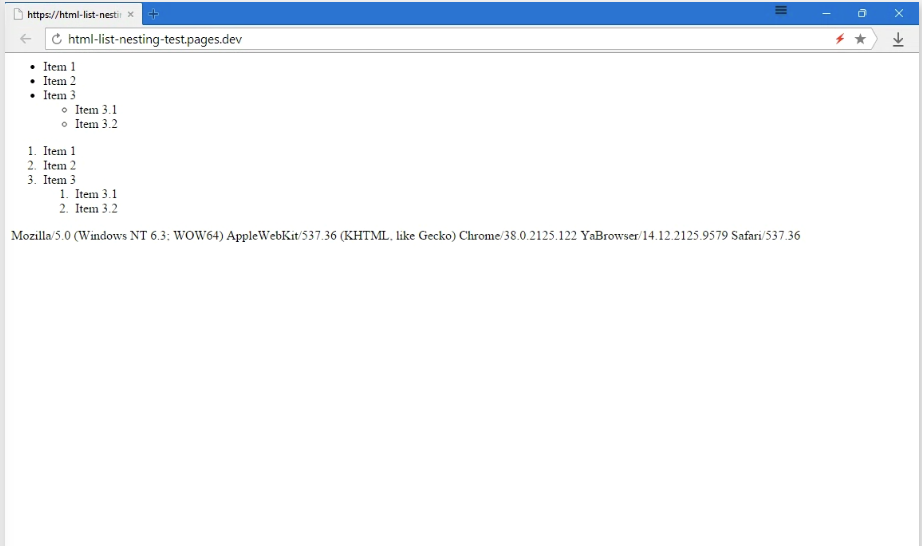
Windows 11, Yandex
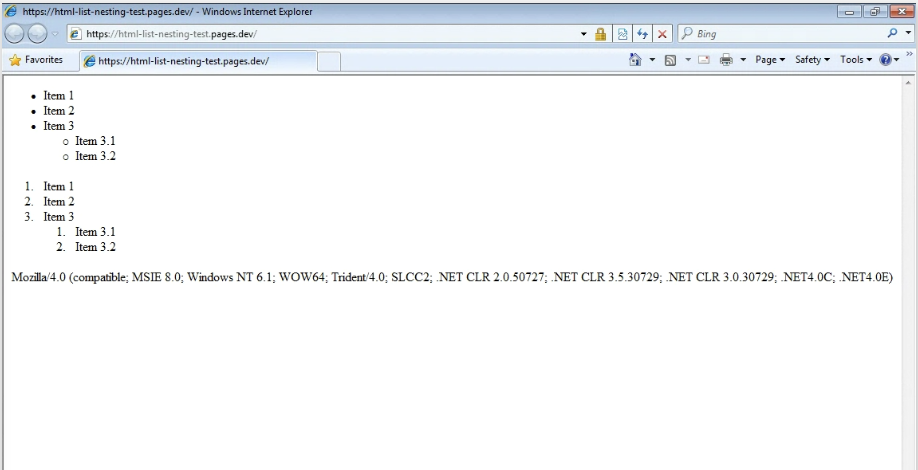
Windows 7, IE 8
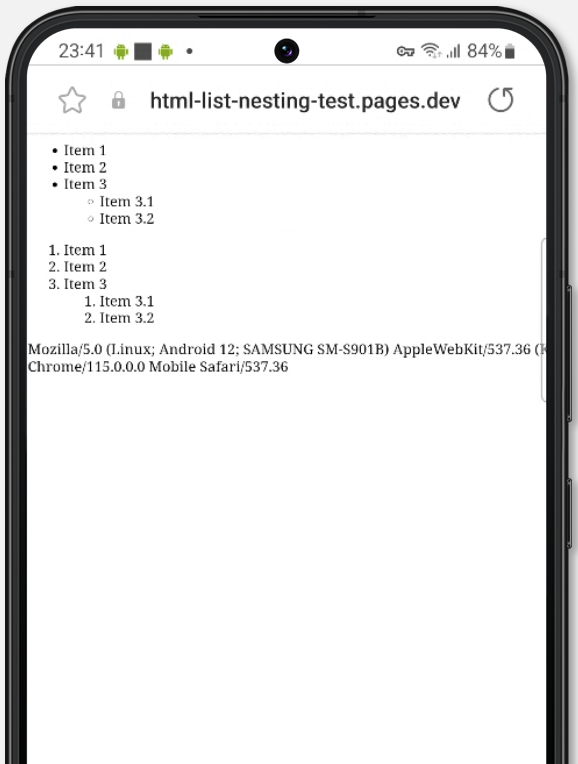
Galaxy S22, Default Browser
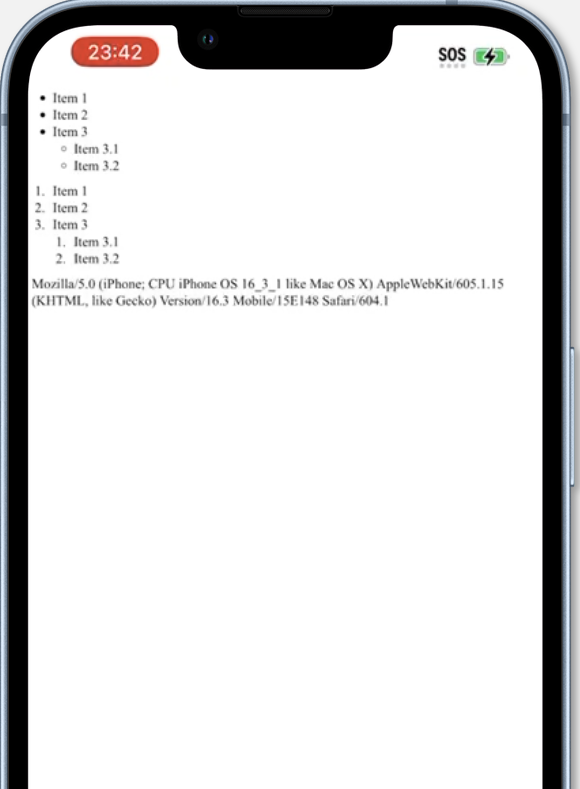
IPhone 14, Safari